

What is ChatGPT?
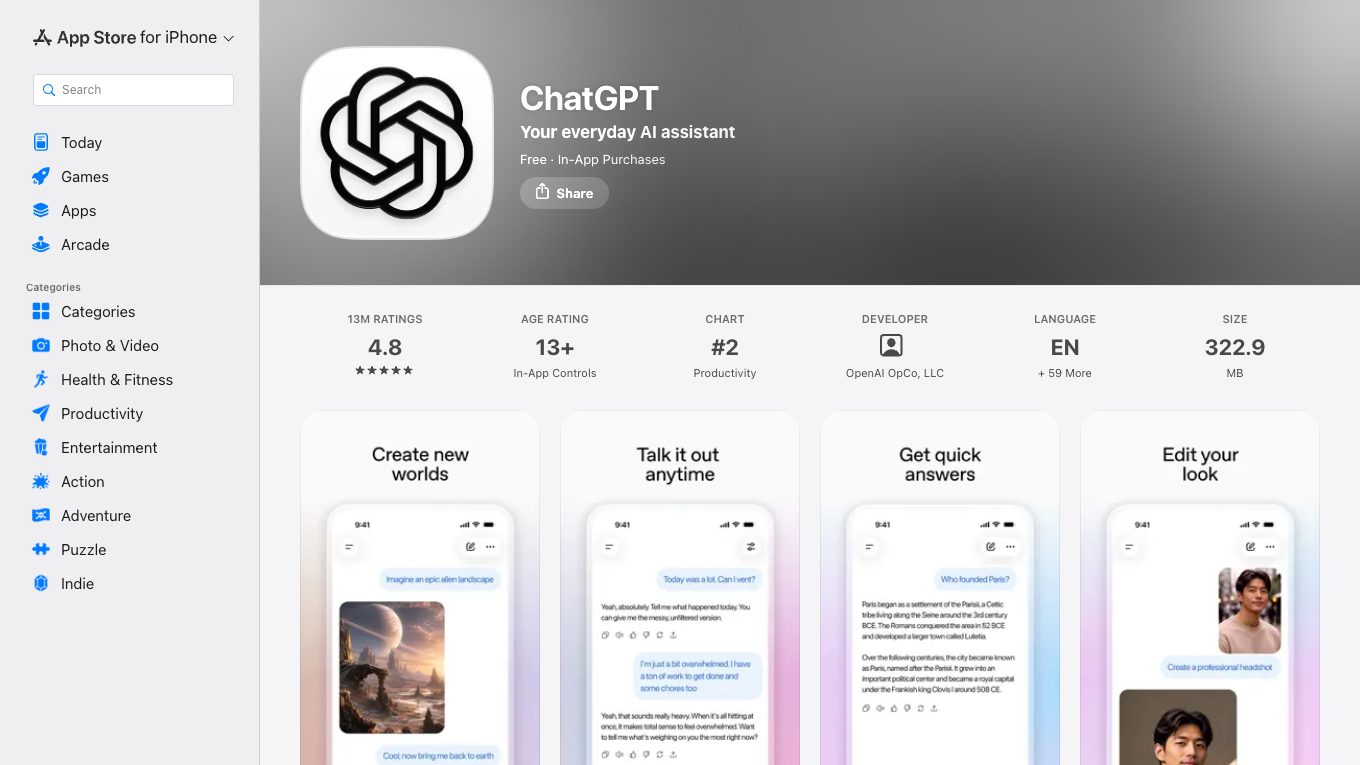
ChatGPT is OpenAI’s conversational AI assistant. Describe a task in plain language and use follow-up messages to refine the answer without repeating the context. You can search the web for current information, ask questions about an uploaded document, turn spreadsheet data into a chart, or create and edit images from a prompt. ChatGPT is available on the web and in iOS and Android apps. Tool access and usage limits depend on your plan, and some features also depend on your device or workspace settings.
What can ChatGPT do?
Conversational chat
Ask questions, brainstorm, or revise a draft through follow-up messages that use the context from earlier turns.
Web search and deep research
Look up current information with links to sources, or use deep research to synthesize findings across multiple sources into a cited report.
File and data analysis
Upload supported documents or spreadsheets to extract information, summarize findings, or build charts from data.
Image generation and editing
Create an image from a description or upload an existing image and describe the changes you want.
Voice conversations
Speak to ChatGPT and hear its replies on supported web, desktop, and mobile platforms.
Projects and memory
Keep related chats and files together in Projects. When memory is enabled, ChatGPT can use saved details to personalize future replies.
How to get started
- 1
Open ChatGPT
Go to chatgpt.com and start a conversation.
- 2
Describe the result you want
State the task, add relevant context, and specify a format such as a short email or a comparison table.
- 3
Refine the response
Use the same chat to clarify a requirement, request a revision, or ask for more detail.
Who is ChatGPT for?
Draft workplace communications
Turn meeting notes into a follow-up email with decisions, owners, and next steps.
Compare options for a decision
Research competing products across current sources and turn the findings into a comparison table against your criteria.
Prepare for an exam
Work through an unfamiliar concept step by step, then practice with follow-up questions.
Analyze a spreadsheet
Upload a CSV, ask which categories changed most, and request a chart for a report.
How much is ChatGPT?
View official pricingFree
Free
Everyday text chat with limited file uploads, image creation, voice, and deep research.
Text chats are subject to abuse guardrails.
Go
$8.00month
Higher limits than Free for tool use, uploads, images, and voice, plus longer memory.
U.S. price. The plan may include ads.
Plus
$20.00month
Advanced reasoning, higher upload and deep research limits, and access to scheduled tasks and custom GPTs.
Billed monthly. Usage limits apply.
Pro 100
$100.00month
Access to Pro reasoning and the entry-level Pro usage allowance.
Billed monthly.
Pro 200
$200.00month
Pro features with a larger usage allowance than Pro 100.
Billed monthly.
Pro 500
$500.00month
The highest included Pro usage allowance, with access to Ultrafast models.
Billed monthly.
Business Standard
$25.00month
Managed team workspace with centralized billing, administration, and usage controls.
Per seat. Annual billing is equivalent to $20 per seat per month. Business starts at two users.
Business Premium
$125.00month
Business workspace seat with higher usage allowances than Standard.
Per seat. Annual billing is equivalent to $100 per seat per month. Teams can mix seat types.
Enterprise
See pricing
Managed workspace with advanced access controls, configurable retention, and data residency options.
Contact sales for pricing and contract terms.
Checked 11/23/2026 · Prices shown are in USD. Go pricing can vary by market. Business rates are per seat, with lower rates on annual billing. Enterprise pricing is quoted by sales.
Frequently Asked Questions
Can I try ChatGPT without an account?
In supported regions, you can start a chat on the web without signing in.
Which plan gives me more uploads without paying for Plus?
Go raises the Free plan’s file upload, image creation, and tool limits. Plus adds advanced reasoning and further expands deep research access.
Does OpenAI train on ChatGPT Business workspace data?
OpenAI excludes Business and Enterprise workspace data from training by default.
Can ChatGPT create a chart from a spreadsheet?
Upload a supported spreadsheet and ask ChatGPT to analyze the data or build a chart from it.
How does deep research differ from web search?
Web search looks up current information and provides source links. Deep research combines findings from several sources into a cited report for a more involved question.
Looking for something else?
Explore tools similar to ChatGPT.
More AI Chatbot tools
View allMonica
Chat with multiple AI models, summarize pages and PDFs, and draft text from a browser sidebar.
Claude
Anthropic’s AI assistant for writing, research, coding, and working with files.
DeepSeek
Free AI chat with web search, deep thinking, and file uploads.
Qwen
Comprehensive AI platform for chat, vision, generation, and reasoning.