
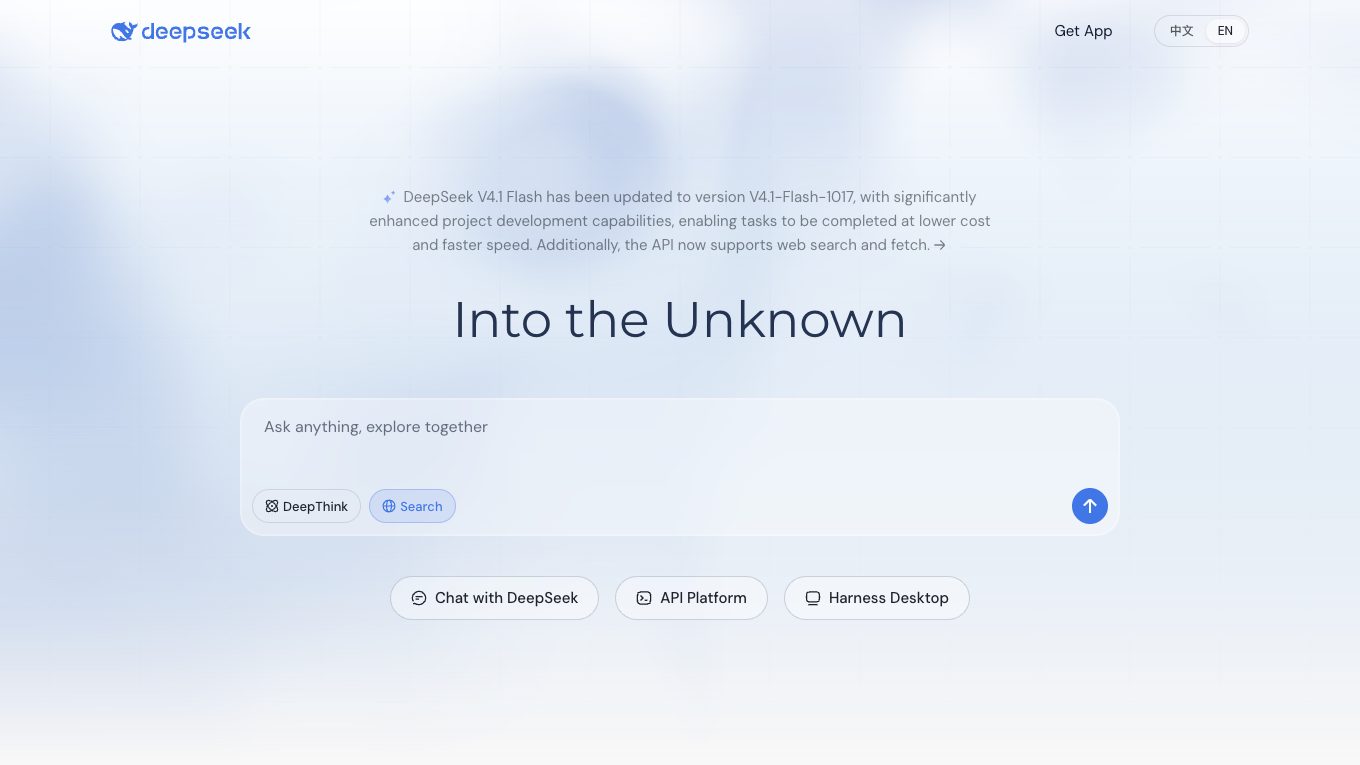
What is DeepSeek?
DeepSeek is a conversational AI assistant for writing, coding, studying, and research. Ask a question, upload a file, or paste a link and continue with follow-up questions in the same conversation. Web search can bring in current sources, and deep thinking search can consult several pages while working through a more involved question. Chat history syncs across platforms.
What can DeepSeek do?
Web search with citations
Find current information and follow source links from the answer.
Deep thinking search
Work through a multi-step question while DeepSeek searches for and reads relevant pages.
File uploads and link reading
Attach a file or paste a URL to ask questions about its contents within the conversation.
Synced chat history
Pick up earlier conversations when switching between the web and mobile app.
Who is DeepSeek for?
Research a topic
Compare what sources say about a recent announcement and open the citations to check specific details.
Review a document
Upload a PDF and ask for a summary, a list of action items, or an explanation of a particular section.
Understand unfamiliar code
Paste a function and ask what it does, where an error could come from, or how to simplify it.
Study a difficult concept
Ask for a worked example and follow up on the steps that need more explanation.
How much is DeepSeek?
View official pricingFree Chat
Free
Access the DeepSeek assistant through web chat or the official iOS and Android apps.
Checked 11/23/2026 · Consumer chat is free. DeepSeek confirms free mobile access on its download page and has advertised free web chat on its homepage. The developer API has separate usage-based pricing.
Frequently Asked Questions
Do I need an account?
DeepSeek requires an account for its chat service. The registration page offers email and supported third-party sign-in options.
Can I share a conversation?
DeepSeek can generate a share link for a conversation. Anyone who has the link can view the shared dialogue.
Can I check the pages behind a DeepSeek search answer?
DeepSeek web search provides links to the pages it uses, so you can open the original sources.
How do I ask DeepSeek about a document or page?
Attach the file or paste the page URL in your conversation and ask about the relevant contents.
What does deep thinking search do?
It works through a multi-step question while searching for and reading relevant web pages.
Looking for something else?
Explore tools similar to DeepSeek.
More AI Chatbot tools
View allMonica
Chat with multiple AI models, summarize pages and PDFs, and draft text from a browser sidebar.
Claude
Anthropic’s AI assistant for writing, research, coding, and working with files.
ChatGPT
An AI assistant for writing, learning, web research, file analysis, and image creation.
Qwen
Comprehensive AI platform for chat, vision, generation, and reasoning.