What is Kling AI?
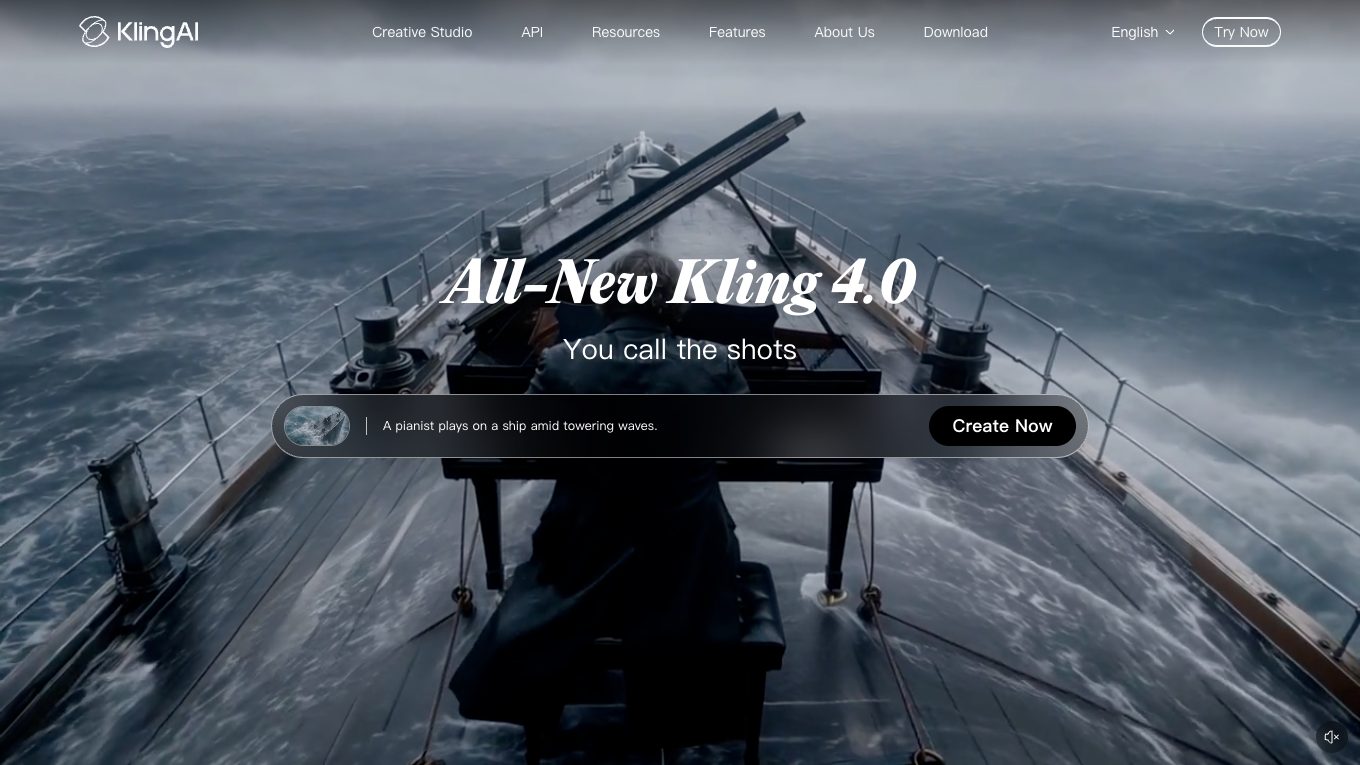
Kling AI turns written prompts and reference images into video clips. Use start and end frames to guide a transition, or use reference assets to help keep a character or object consistent across shots. Supported video models can plan cuts automatically or let you describe individual shots and set their durations. The studio also generates still images, edits uploaded footage with prompts, and brings storyboards, images, and clips together in Kling Canvas.
What can Kling AI do?
Text and image to video
Describe a shot in a prompt, animate a still image, or provide start and end frames to guide a transition.
Multi-shot direction
On supported models, let Kling plan cuts or specify the content and duration of individual shots.
Reference assets
Use image or video references as Elements to help preserve the look of characters and objects as framing and motion change.
Native audio
Generate dialogue alongside the video and specify which character speaks in supported models and languages.
Prompt-based video editing
Upload footage and describe changes to subjects, settings, or visual style.
Image generation and Canvas
Generate and edit still images, then organize them with storyboards and clips in a node-based workspace.
How to get started
- 1
Start a video generation
Open Video Generation and choose Kling Video 3.0. Describe the action and framing, or upload an image to use as the first frame.
- 2
Set the shot structure
Enable Multi-Shot to let Kling plan the cuts, or choose Custom Multi-Shot and describe each shot and its duration.
- 3
Choose output settings
Set the duration and resolution, choose whether to include native audio, then check the credit cost and generate the clip.
Who is Kling AI for?
Previsualize a scene
Filmmakers can test how a sequence cuts together and compare camera angles before production.
Animate product photography
Marketing teams can use a product image as a reference and try different camera moves for a short ad.
Turn illustrations into social clips
Creators can animate an existing image and generate variants framed for different feeds.
How much is Kling AI?
View official pricingFrequently Asked Questions
How much does one generation cost?
Credit usage depends on the model and settings. Kling’s Video 3.0 guide lists 30 credits for five seconds at 720p without native audio and 60 credits for five seconds at 1080p with native audio. Check the generator for the cost of your selected settings.
Do credits expire?
Kling’s credits policy lists one month for regular subscription credits and two years for purchased credits. Promotional credits follow the conditions of the offer.
Can I guide a video with both a start frame and an end frame?
Yes. Kling can use a pair of frames to guide a transition. It can also animate a single still image or start from a text prompt.
How can I keep a subject recognizable across shots?
On supported models, supply reference images or videos as Elements to guide the appearance of characters and objects across changes in framing and motion.
Can Kling generate dialogue with the video?
Supported models can generate dialogue alongside the video. You can identify the character who speaks in the prompt.
Looking for something else?
Explore tools similar to Kling AI.