
What is Recraft?
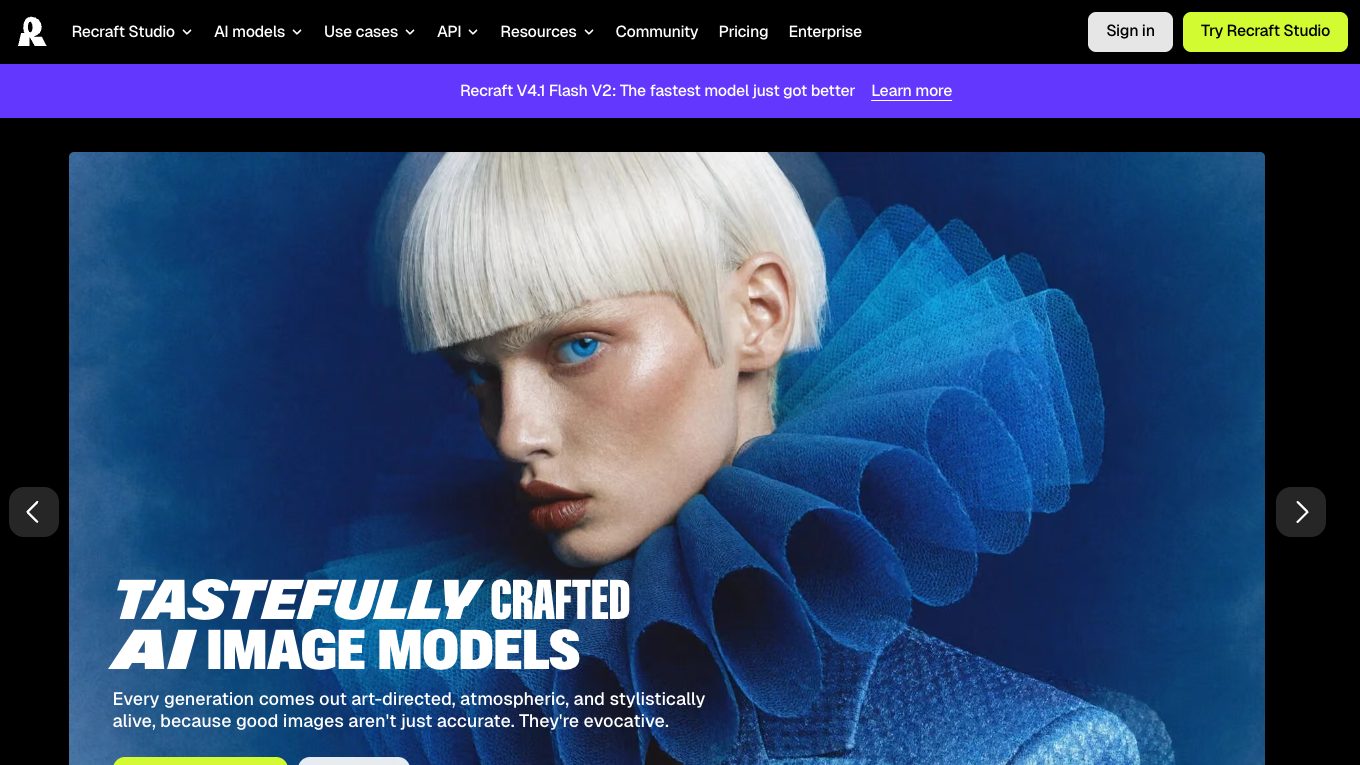
Recraft is an AI design tool for creating and refining visual assets in a browser. In Recraft Studio, you can start with a text prompt or upload an existing image, choose from Recraft and third-party models, and refine the results on the canvas. Generate editable SVGs directly, convert raster artwork to vectors, or build a reusable style from reference images to keep a series of assets visually consistent.
What can Recraft do?
Raster and vector generation
Create photos and illustrations from prompts, or select a vector model to generate artwork with editable SVG paths.
Vector editing and conversion
Convert raster artwork to vectors, then adjust anchor points, curves, and individual shape colors in the canvas.
Prompt-based image editing
Describe changes to an existing image, remove or replace its background, erase objects, extend the frame, or increase resolution.
Reusable custom styles
Build a style from reference images and apply it to new generations to keep a set of assets consistent.
How to get started
- 1
Open a Studio project
Open Recraft Studio and create a project or select an existing one.
- 2
Choose a model and generate
Use the model selector in the prompt panel to choose a raster or vector model. Enter a prompt, set the style and aspect ratio, and generate.
- 3
Export your result
Select the result and export it in a format that fits the job, such as SVG for editable vectors or PNG for raster artwork.
Who is Recraft for?
Design icons and brand graphics
Build a matching set of icons or illustrations and export scalable artwork for a website, app, or printed materials.
Preview products and packaging
Place artwork on product mockups to review how a design will look on packaging or merchandise.
Produce campaign visuals
Apply a saved style to a series of illustrations or product images for ads, social posts, and launch pages.
How much is Recraft?
View official pricingFree
Free
Includes 30 daily credits for generating and editing images.
Recraft owns Free plan generations and makes them public in the community gallery. They are for personal use.
Basic
$10.00month
Includes 1,000 monthly credits, private generations, and commercial rights for images generated while subscribed.
Starting monthly rate with annual billing.
Checked 11/23/2026 · The Free plan includes 30 daily credits. Credit use varies by model and operation. Recraft lists Basic from $10 USD per month with annual billing.
Frequently Asked Questions
Do commercial rights continue after cancellation?
Yes. Recraft says you retain ownership and commercial rights for images created during a paid subscription, and those images stay private after cancellation.
Can I automate generation through an API?
Yes. Recraft has a separate API for raster and vector generation and image editing. It uses prepaid API units purchased separately from Studio credits.
Can I export an AI-generated illustration as an editable SVG?
Choose a vector model to generate editable SVG paths. Recraft can also convert existing raster artwork to vectors.
Can I modify or remove the background of an existing image?
Yes. Prompt-based image editing can remove or replace backgrounds, erase objects, or extend the frame.
How do I make several assets in the same visual style?
Create a reusable style from reference images and apply it to subsequent generations.
Looking for something else?
Explore tools similar to Recraft.
